Your single, release-ready.
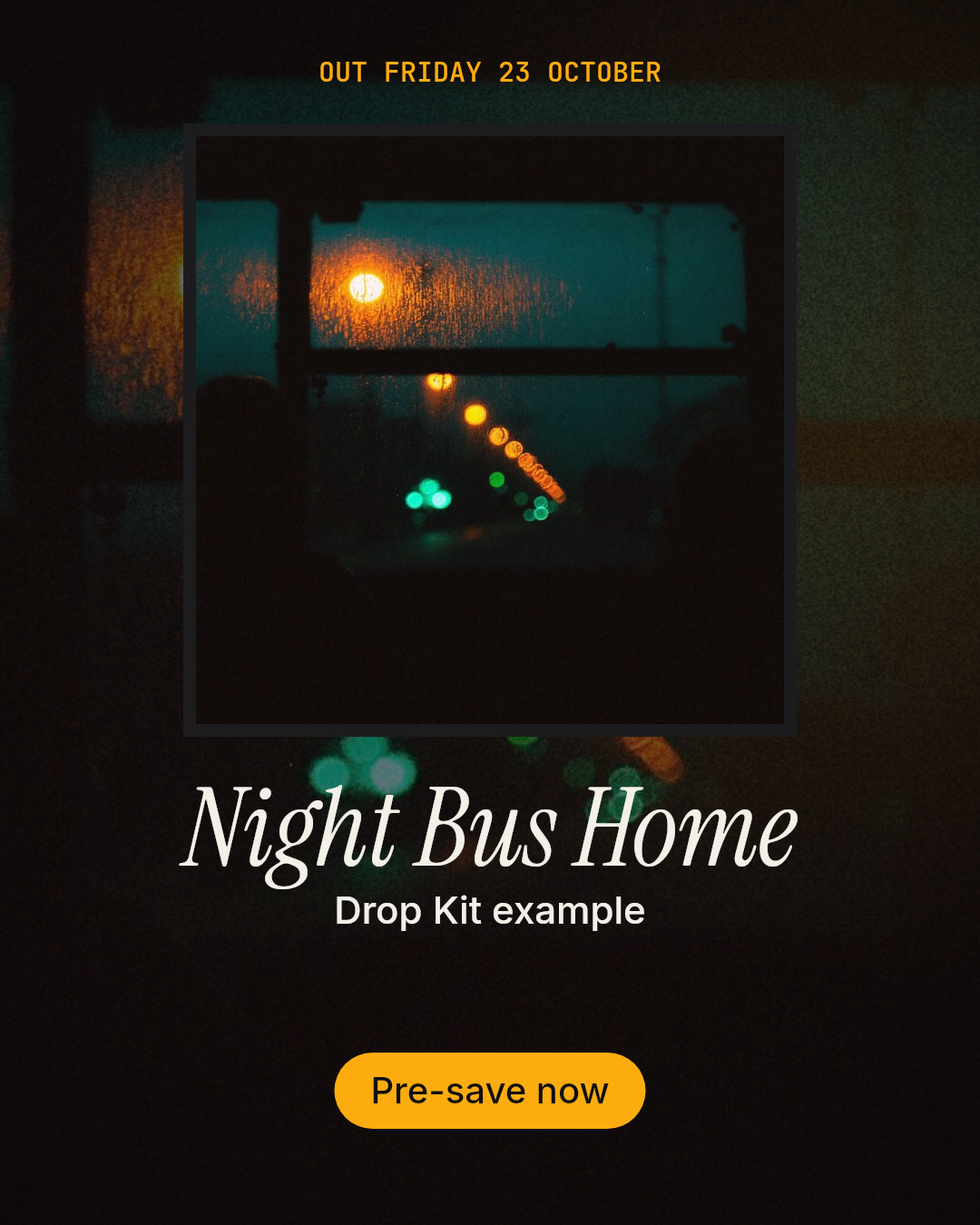
Add your track and cover, pick where the hook sits and a style. The preview is your actual set, rendered from your files. It updates as you go.
·
What's in the set
Every file below was rendered by Drop Kit from the example single, exactly as a set is delivered.
Questions artists actually ask
What does Spotify need for a Canvas?
A vertical 9:16 video between 3 and 8 seconds, at least 720px tall, with no text, links or calls to action on it. Yours arrives as an 8-second 1080×1920 MP4 loop with no text, ready to upload in Spotify for Artists once your track is live on Spotify.
Which part of my song is used?
You choose. The builder finds the loudest 15 seconds and pre-selects it; drag the window on the waveform to move it. All three vertical clips and both waveform posts use that section. The Canvas is silent — Spotify plays your song under it.
How long does it take?
Rendering starts the moment you pay. Then a person checks every file against your track, art and release date before it's released to you. The target is 48 hours, and the date is on your review page and your set's page.
Who owns the files?
You do. They're made from your audio and your artwork, so use them anywhere, for as long as you like. Upload only a track and cover you have the rights to.
What if something's off?
One round of changes is included: write what should change on your set's page (a different hook, another accent colour, a typo) and we revise the files.
What files do I upload?
Your master as MP3, WAV, FLAC, AIFF or M4A (up to 60 MB), and your square cover art as JPG, PNG or WEBP — 3000×3000 is ideal, 1080×1080 is the minimum we recommend.